
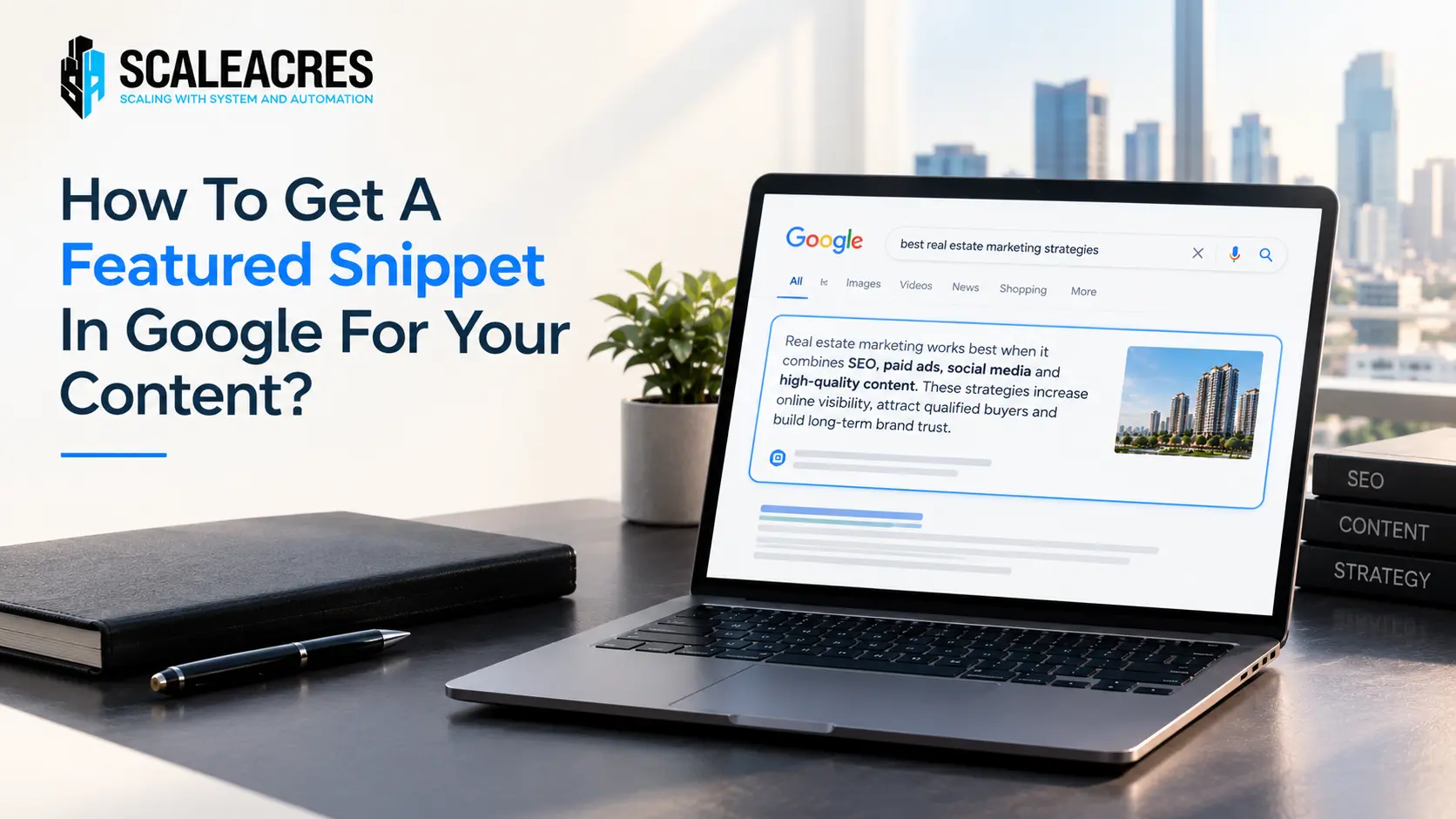
Quick Answer
To get a featured snippet in Google, answer the exact question a searcher is typing — in the first 40 to 60 words, in plain language, right after a clear subheading that matches the query. Google pulls snippets from pages that already rank on page one, so the content also needs solid on-page SEO underneath it. No snippet trick works on a page Google doesn’t trust in the first place.
That Box Everyone Wants and Almost No One Understands
You’ve seen it. You search something, and before any blue link even shows up, there’s a neat little box with the answer already sitting right there. That’s the featured snippet. And if your content ever lands in it, something interesting happens — you start getting clicks even from the position-zero spot, above the usual number one result.
Most people think getting a featured snippet is about luck, or some secret formula only big brands know. It’s not. It comes down to writing in a way that makes it easy for Google to lift your answer and show it directly. Once you understand that, the whole thing stops feeling random.
Why Google Shows Snippets In The First Place
Google’s whole job is to answer questions fast. A featured snippet is Google’s way of saying, “here, this page already has the answer, so I’ll just show it to you right away.” It saves the searcher a click, and if the content matches what they wanted, it works out well for everyone.
This is also exactly why the role of keyword research matters so much before you even start writing. If you don’t know the exact phrasing people search — “how to,” “best way to,” “why does” — you’ll write content that answers the right idea but in the wrong words, and Google won’t connect the dots.
The Three Types of Snippets You’ll Actually See
Not every snippet looks the same. Knowing the type you’re chasing changes how you structure the content.
- Paragraph snippets — a short block of text, usually 40 to 60 words, answering a direct question
- List snippets — numbered or bulleted steps, common for “how to” searches
- Table snippets — comparison-style data, often for pricing, specs, or side-by-side info
For most blog content, especially how-to guides like this one, paragraph and list snippets are the ones worth targeting.
How To Actually Write For A Snippet
Start with the exact question as a heading. If people search “how to get a featured snippet in Google,” your subheading should say almost exactly that — not a clever rewording of it.
Answer in the first few lines, before adding detail. Give the direct answer immediately under that heading. Save the explanation, examples, and extra context for after. Google tends to pull from the first 40 to 60 words right after a heading.
Use plain language, not SEO-speak. Write like you’re answering a friend, not stuffing in keywords. Snippets almost always come from sentences that read naturally.
Break steps into lists when relevant. If your content explains a process, format it as a numbered list. Google loves pulling these directly for “how to” and “steps to” queries.
Keep your formatting clean. Clear H2s and H3s that match real search phrases help Google understand exactly what each section is answering.
It Doesn’t Work Without The Basics First
Here’s the part people skip. A perfectly formatted answer on a weak, poorly linked page won’t win a snippet, because Google only pulls snippets from pages that are already ranking well. That means the content needs proper internal linking, solid keyword targeting, and a structure search engines can actually trust.
This is where internal linking strategy comes in. Pages that are well-connected within your own site tend to rank higher, and higher-ranking pages are simply more likely to get pulled into the snippet box in the first place. Snippets aren’t a separate game — they sit on top of good SEO, not instead of it.
What We’ve Seen Work In Practice
Across content built for real estate clients, the pages that consistently win snippets share one thing — they answer one specific question clearly, right at the top, instead of making the reader scroll through three paragraphs of introduction first. The pages that try to be clever or overly descriptive almost always lose the snippet to a competitor who was simply more direct.
If you’re serious about ranking for competitive, high-intent searches — not just winning the occasional snippet — it usually means stepping back and looking at your full SEO optimization approach, not just one page at a time.
A Quick Checklist Before You Publish
- Does your heading match a real, exact search query?
- Is the direct answer sitting in the first 40 to 60 words after that heading?
- Is the language simple enough to read out loud without sounding robotic?
- Are steps or comparisons formatted as a list or table where it makes sense?
- Is the page itself already ranking reasonably well, or at least linked properly from other pages on the site?
If you can say yes to most of these, you’re in a strong position — the rest is patience, since Google can take a few weeks to reshuffle snippets after a page improves.
FAQs
How long does it take to get a featured snippet after optimizing a page? It varies, but most pages see snippet changes within 2 to 6 weeks of Google recrawling and reindexing the updated content. Pages already ranking in the top 5 tend to see faster movement.
Do I need to rank number one to get a featured snippet? No. Google can pull a snippet from a page ranking anywhere in the top 10, though pages closer to the top tend to get picked more often simply because they’re trusted more.
Can I lose a featured snippet once I have it? Yes. Snippets shift often as Google re-evaluates content, so a competitor publishing a clearer, more direct answer can take the spot. Keeping content updated helps protect your position.
Does snippet formatting help with AI search tools too? Yes. The same habits — clear headings, direct answers, simple language — are also what AI tools like ChatGPT, Perplexity, and Google AI Overviews tend to pull from when citing sources.
Is there a way to force Google to show my content as a snippet? Not directly. You can’t pay for or manually request a snippet. All you can do is format and structure your content in a way that makes it the easiest, clearest answer for Google to choose.